
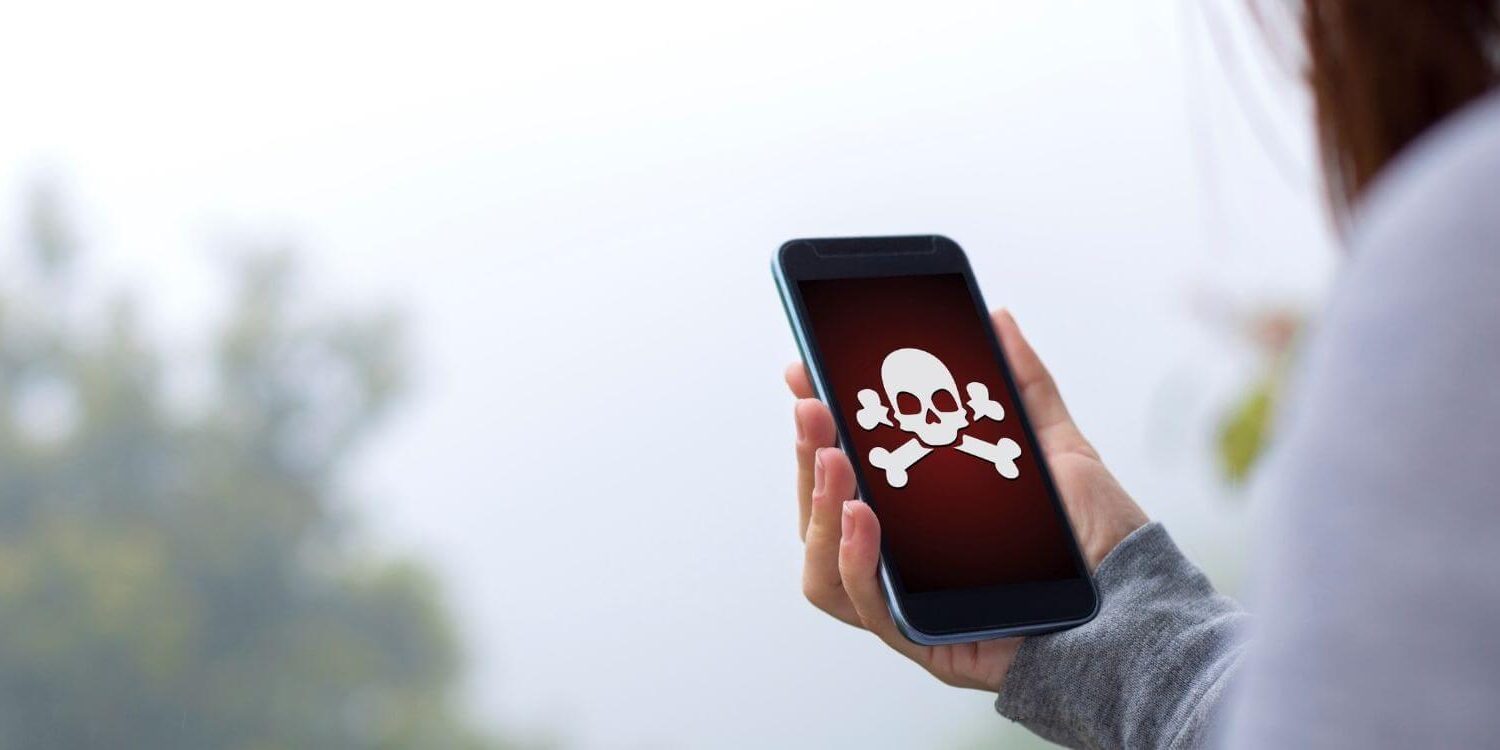
You’re a small business and chances are your website security is not the biggest concern on your mind. You’re focused on getting clients, making money, and helping people, right? Me too…
Until last November, when I worked with a client at my 9-5 who had their WordPress site hacked. We ended up having to delete their site, even though they lost over year of content and hundreds of hours of work.
And like a good girl, I locked down all my important websites, increased security and set a backup schedule to make sure I had a full backup once per day.
But, I missed one site. It was an old blog, membership site, and forum that I used in 2009-2011 and wasn’t using any more. I’ve kept it because I still make money off of it occasionally through affiliate links and it more than pays for itself. And I keep the theme, WordPress and plugins updated but hadn’t taken the time to implement extra security measures.
My site was hacked!
About 10 days ago, I got an email from Hostgator telling me the site had been infected in malware and they were going to delete my hosting account if I didn’t take care of it right away. Yikes! My whole business is on that hosting account!
I logged in and got on a chat with a technician who identified that the malware was in the forum. Malware is not always easy to remove and once a hacker knows your site is vulnerable they’ll keep targeting it over and over again in the future. So I ended up having to amputate the entire forum and membership site in order to save the rest of the content. It could have been worse. I could have had to delete the whole site and started over on a new domain.
I am thankful it was my old site and not my current bread & butter business site. I am also thankful that we caught it early and could cut away the “cancer” before it spread to my other sites or to other people’s sites on the server.
The Risks of Shared Hosting:
Hosting companies are strict about site security for a reason. Shared hosting, while it is attractive because it affordable, is like living in an apartment. If you have one bad tenant who is careless and has a fire or flood it can affect everyone in the building. So if a site is identified as infected, they’ll delete that site and potentially that client’s hosting account in order to protect the other customers on the server.
Also, once your site is infected with malware it gets flagged by the search engines as not safe. Rebuilding your reputation after getting hacked is not easy and takes a long time. Other sites on the same server can be identified as being in a “bad neighborhood” and be blocked as well.
If you’re online, you’re at risk.
Cyber attacks happen everywhere. Here’s a link to a real-time map of cyber attacks happening around the world. It is impressive and watching it for a few minutes feels like you’re in some video game, but it’s real. And the risk is real. If you are online you are at risk. There no solutions that are 100% safe. (There are major hacks every day, but we only hear about the big ones, like Target and Anthem, on the news.)

Here are some facts on website security:
- Hackers write scripts designed to take advantage of known website software vulnerabilities.
- Over 80% of all websites have serious security vulnerabilities.
- Most hackers are not after your data or to wreck your website. They want to use your server to spread spam, malware, or to store illegal files.
- 83% of hacks were considered avoidable through simple or intermediate controls (Source)
- Most business owners (and web designers) do not know how to make sure their website is secure (or even realize that it is something they should be concerned about!)
- If you’re on shared hosting (most of us are!) your website is at risk. Even if you are taking security measures! Shared hosting is like living in an apartment – one careless tenant can leave you homeless.
An ounce of prevention is worth a pound of cure.
I know how overwhelmed, scared, and confused I felt when I got the email from my hosting company. I can only imagine what it would have felt like if I wasn’t familiar with websites/hosting and what was going on.
So I’m going to be doing a series over the next couple of weeks to talk about things you can do to secure your website. I don’t want to come across as a negative Nancy or frighten anyone, but I do want to educate you on what the possibilities are and how to reduce your risk.
Your Website Security Action Step
Your action step today is to make sure your site is backed up regularly (frequency depends on how often you post). Be sure to back up both your core WordPress Files and your database!
Let me know if you have any questions or need help!





Looking for Something Specific?

Where Should I Send Your Free 2026 Marketing Planning Bundle?
*Your free planner will be delivered to your inbox. Check your spam folder if you don't see it within 15 minutes. Submit a support ticket if you need help. By entering your email address, you agree to receive emails, including marketing tips, offers, and announcements, in accordance with my privacy policy.
