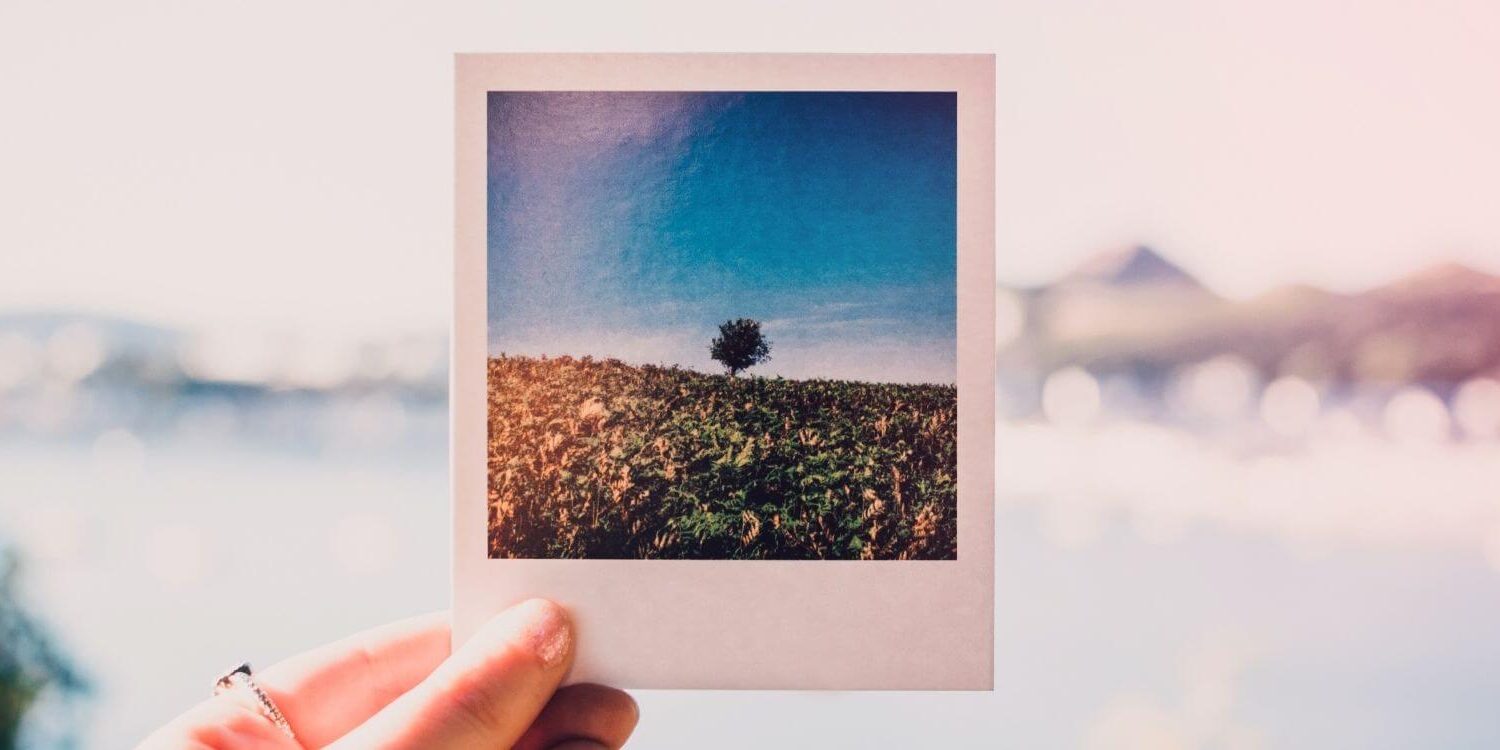
A picture is worth a thousand words. They are also worth thousands of dollars to businesses that leverage their power on social media! Posts on Twitter containing images get 18% more clicks, 89% more favorites, and 150% more retweets. Facebook brand posts with images account for 87% of total interactions. (Source: hubspot.com)
Beware! Grabbing any old image off of Google or other websites for your marketing could be copyright infringement and the financial penalties for doing it are staggering. Here are six of my favorite free resources to find beautiful royalty free photos.
Free Pictures & Affordable Stock Photos:
Free Royalty Free Photo Sources:
Affordable royalty-free images:
Free Image Editing Resources:
Great images are a great start but you need to optimize them to get the most out of your efforts. Each social media platform, your blog, email newsletter will need specific images sizes. Don’t let this scare you if you’ve never considered yourself a graphic designer. There are many free photo editing tools that are super user-friendly and include helpful tutorials for beginners!
- Canva
Canva is a great tool for beginners and they have one of the best free design schools on the web! Choose size specific template layouts for all the social media channels or create your own designs for print or presentations! - Fotor
Fotor is a great free online photo editor, collage maker, and designer! They have a huge number of backgrounds and filters to make your photos or any stock photo look amazing! - Pixlr
Pixlr has a desktop, mobile and web app to allow you to use their entire family of photo editing tools anywhere. Choose “express” for quick collages, filters, borders, and overlays or the editor for more complicated layered files. - PicMonkey
PicMonkey is a free online photo editor that will have you looking like a pro in no time! Check out this their awesome tutorial library to help you get started. - Pictochart
Create beautiful point and click Infographics for your blog, website, and social media. You can use Pictochart for reports and marketing materials too! (Pictochart Tips)
Of course, if you have Photoshop you don’t need any of the above programs – unless photoshop intimidates you. If that’s the case here is a fantastic basic photoshop tutorial!





Looking for Something Specific?

Where Should I Send Your Free 2026 Marketing Planning Bundle?
*Your free planner will be delivered to your inbox. Check your spam folder if you don't see it within 15 minutes. Submit a support ticket if you need help. By entering your email address, you agree to receive emails, including marketing tips, offers, and announcements, in accordance with my privacy policy.
